
Features
One toolkit organised the way infrastructure engineers think: by area (network, voice, servers, cyber) and by job (test, build, troubleshoot).
Network
Subnet and VLSM calculators, routing and switching references, QoS designer, multicast, wireless, NAC and firewall rule tools, live ping, traceroute and DNS, and a path monitor that watches every hop every second.
Voice and UC
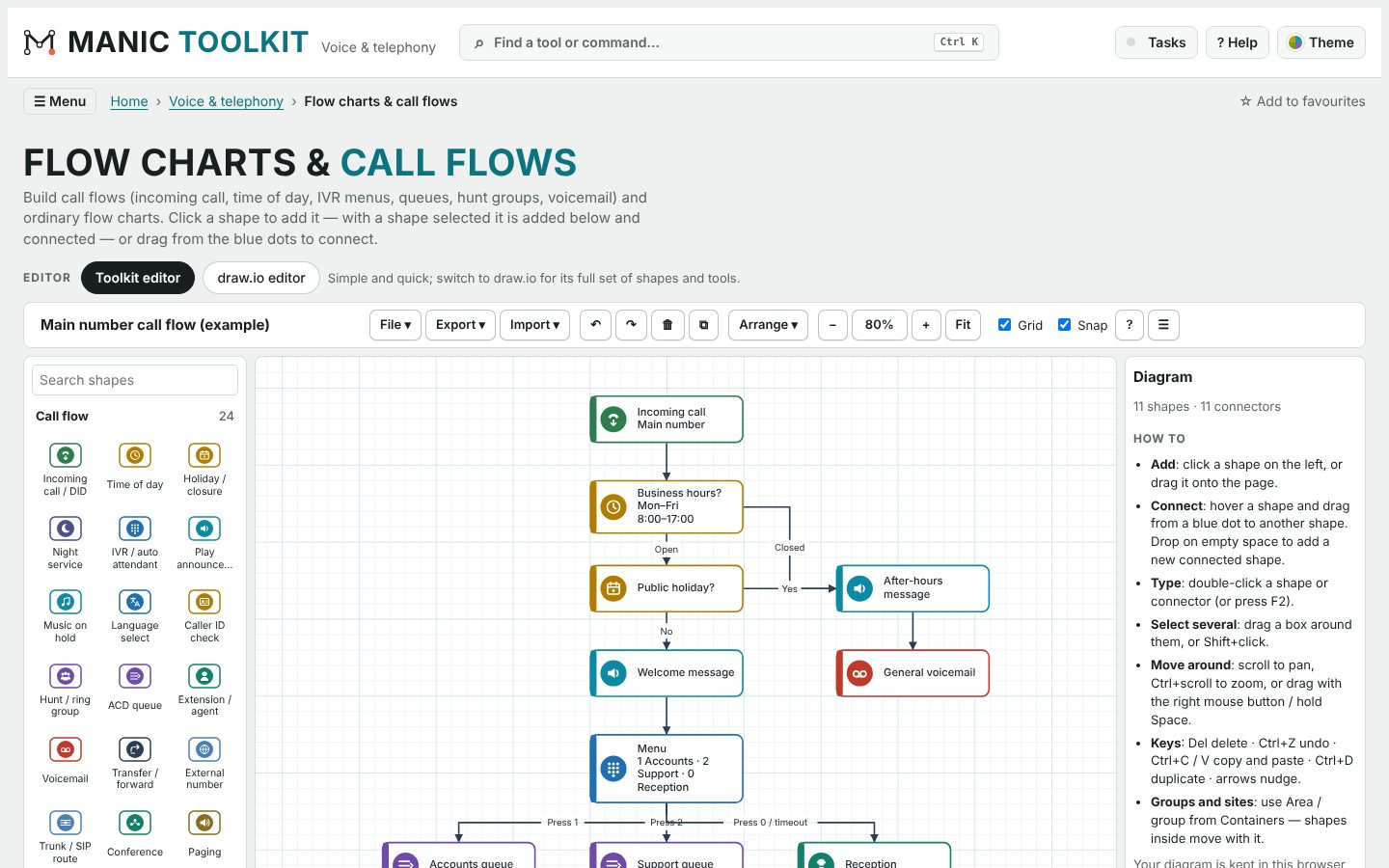
SIP and call-flow references, codec and bandwidth calculators, call-flow diagrams, and configuration guides for common voice platforms and gateways.
Servers and virtualisation
Windows and Linux command references, services and ports, virtualisation guides, and host networking tools.
Cyber security
Framework mappings, hardening checklists, incident response playbooks, CVSS calculators and vulnerability references.
Configuration tools
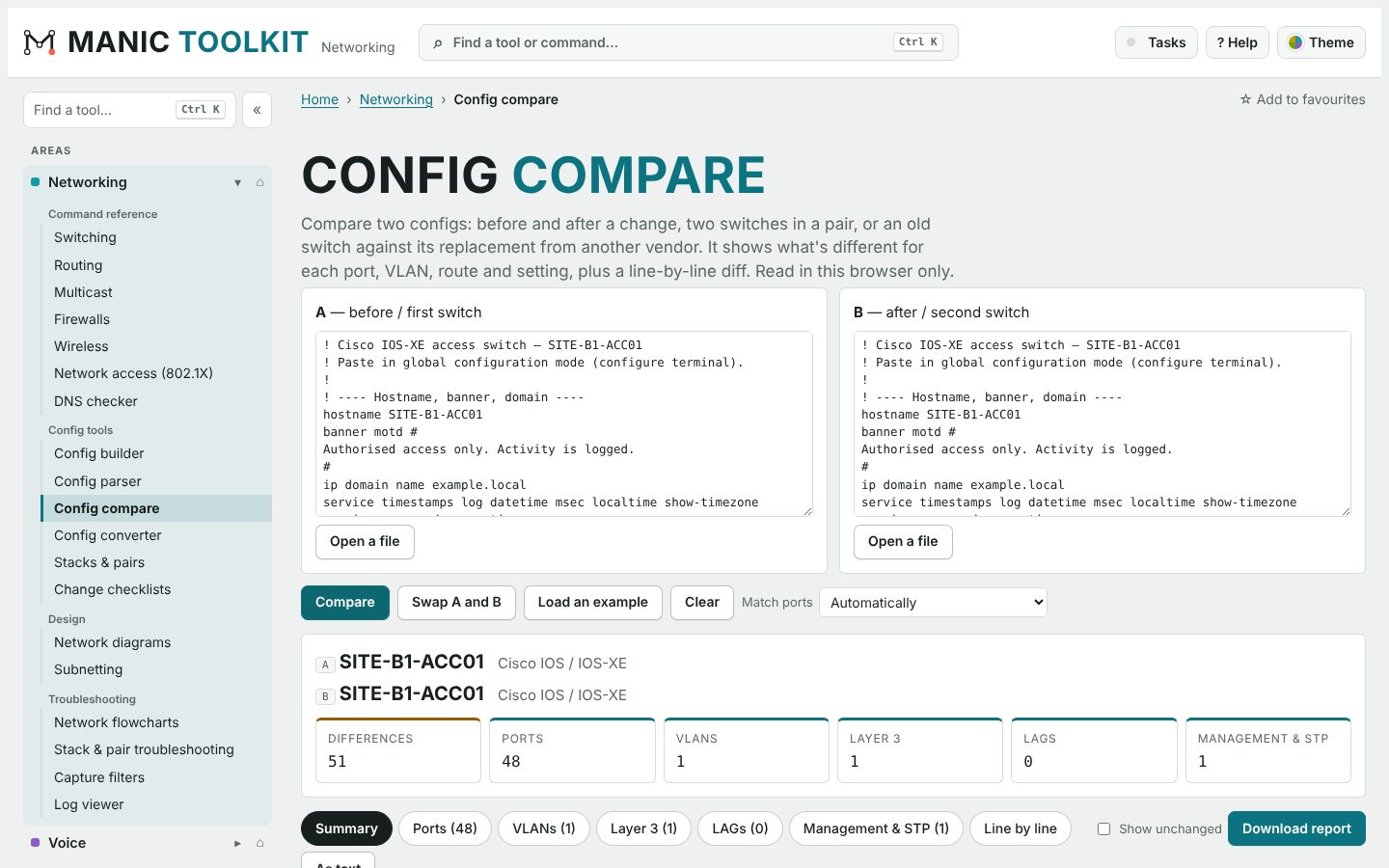
Parse, compare, convert and audit device configurations, build templates, and produce change reports.
Diagrams
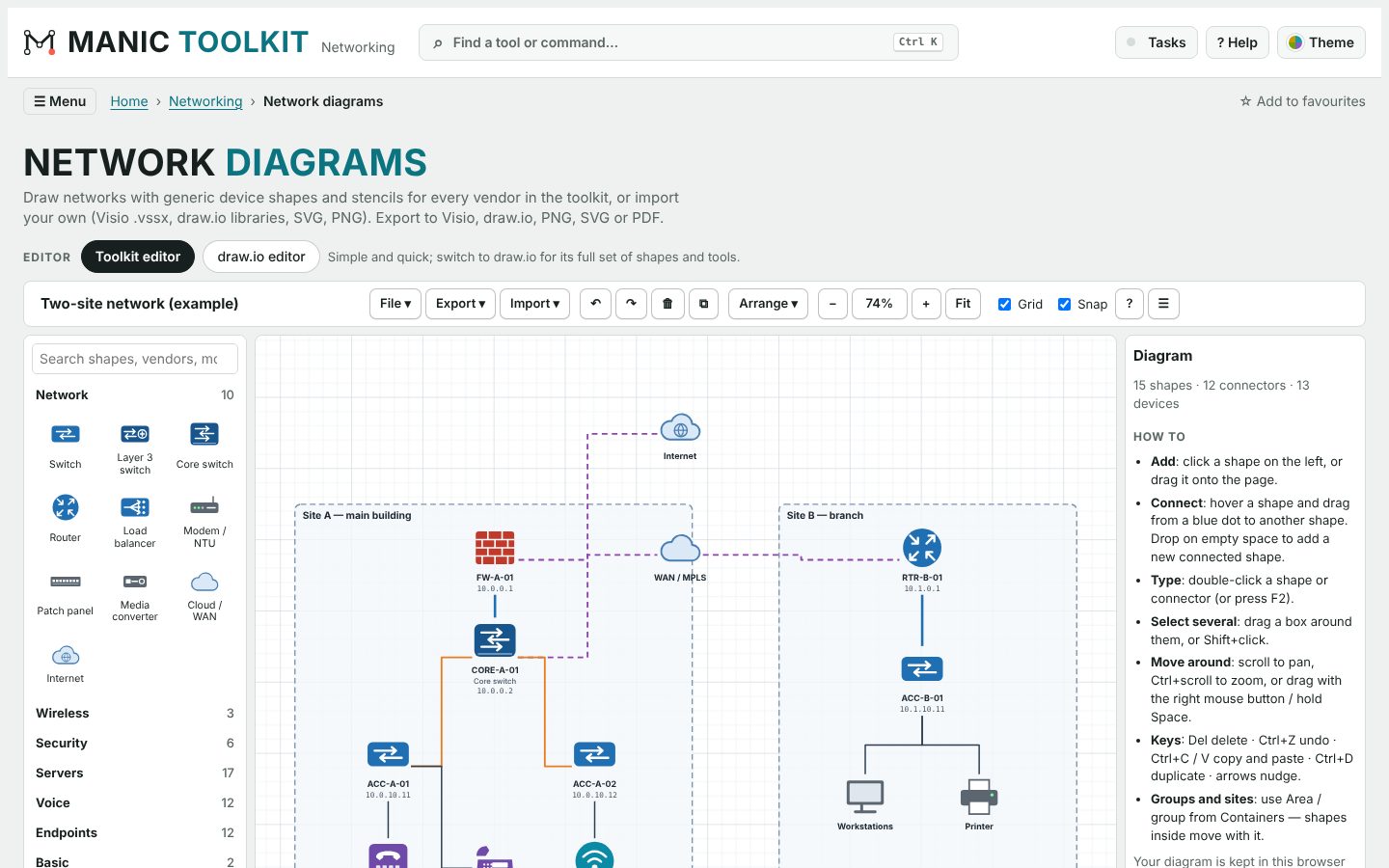
Network diagrams and call flows with generic and vendor stencils — use the built-in editor or the full draw.io editor inside the app, and export to Visio, draw.io, PNG, SVG and PDF.
Terminals and sessions
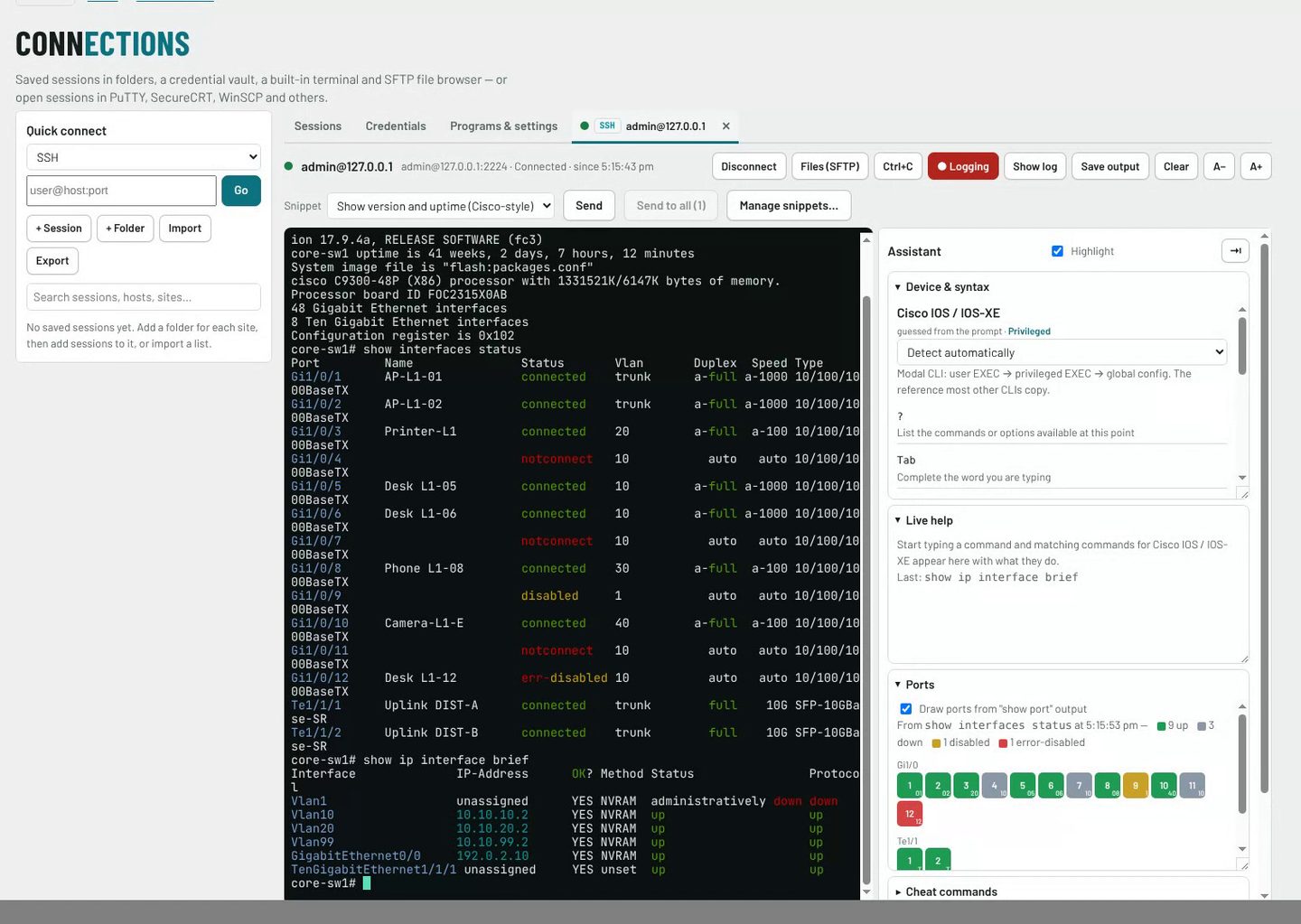
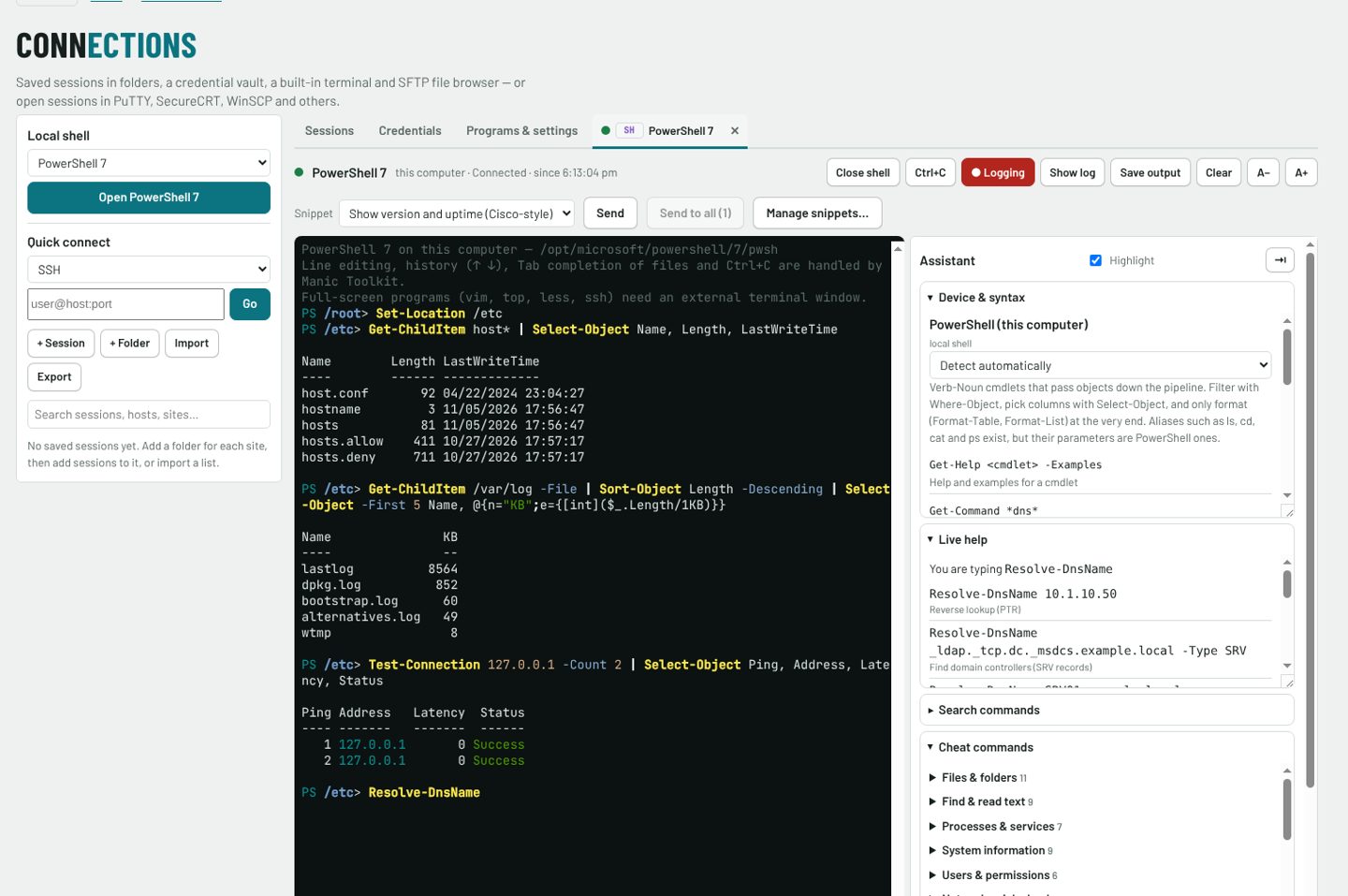
In the installed apps: SSH and Telnet terminals with unlimited scroll-back, saved sessions, an encrypted credential vault, SFTP, and automatic session log files — plus a local PowerShell, Command Prompt, zsh or bash shell with the same command assistant.
Logs and reports
Load device logs, filter by profile, find what changed and write up the report.
Screenshots
Watch the tour video and see more
Also included
- Find anything with Ctrl+K, favourites and recently used tools
- Light and dark themes
- Printable reports and checklists
- Python Toolkit Agent for live tests from the online edition
- Visio stencil import for your own shapes
- Settings backup and restore
- Terminal assistant: device-aware syntax help, cheat commands and live help as you type
- Local shell: PowerShell, Command Prompt, zsh or bash, coloured as you type, with the same assistant
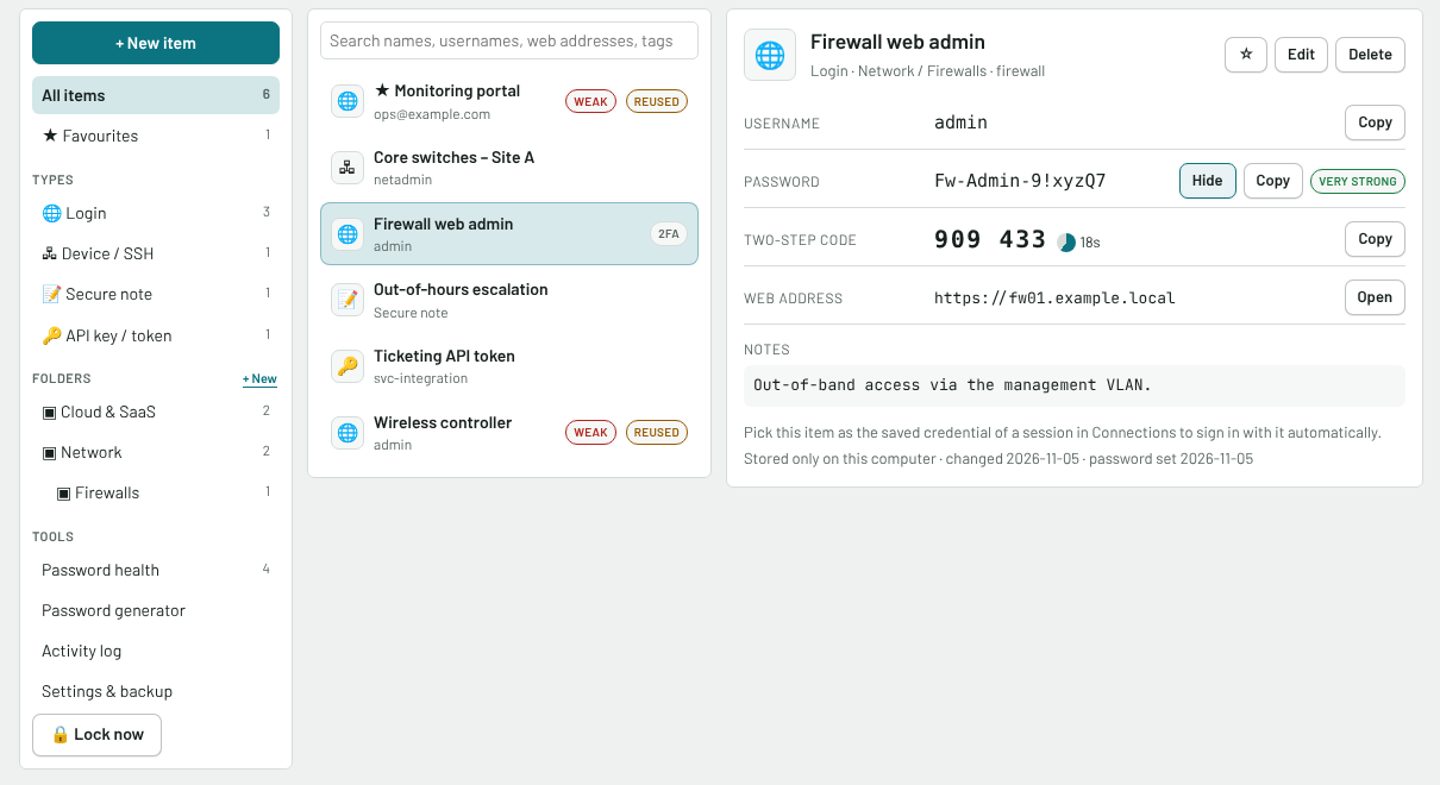
- Manic Vault password manager: logins, device credentials, two-step codes and secure notes, each encrypted with its own key
- Port up/down picture from show-port output
- Scripts and macros, recorded or written, run on one or every terminal, or automatically on connect
- SSH file browser beside the terminal
- Running-tasks menu to jump to or stop anything that is running
- DNS checker comparing internal and public resolvers
- Session logs saved automatically, one folder per device
- Update notifications in the installed apps